eternalcore
1 min read
Edit signs
Learn how to use the `/signedit` command to edit the text on signs.
Learn how to use the `/signedit` command to edit the text on signs.
Check out the Commands & Permissions page for a full list of commands and permissions.
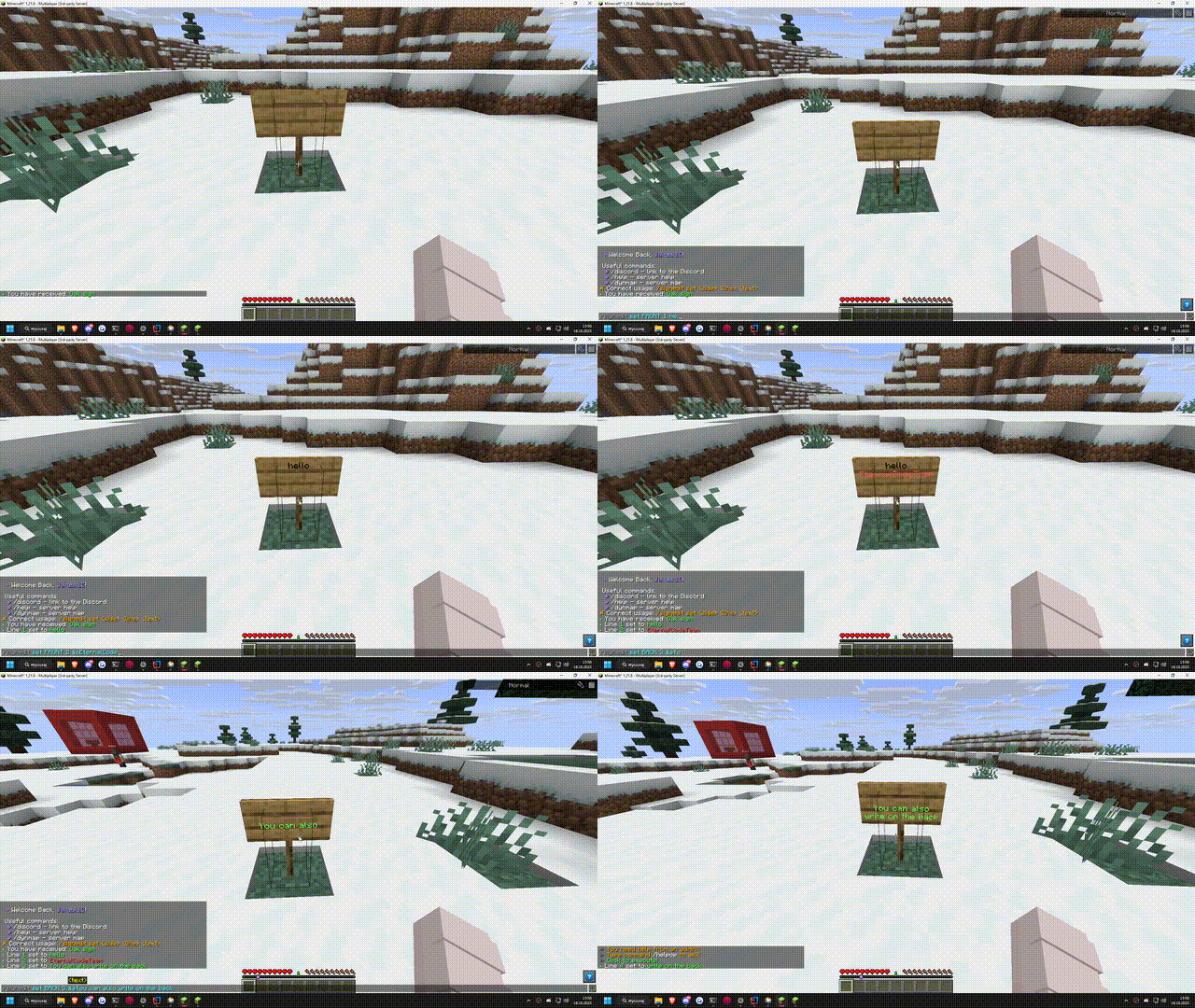
The /signedit command allows you to edit the text on signs in your Minecraft server without needing to break and replace them. This is useful for server admins, moderators, or players with appropriate permissions to quickly update sign information.
/signedit set <side> <line> <text>
Replace <side> with FRONT or BACK to specify which side of the sign to edit. Available only for >1.20 Minecraft versions.
Unlike traditional right-click editing, the /signedit command allows to use formatting codes for enhanced text styles.